Create some links to various search engines (google, yahoo, altavista, lycos, etc).
Create links to five different pages on five different websites that should all open in a new window.
Create a page with a link at the top of it that when clicked will jump all the way to the bottom of the page.
Create a page with a link at the bottom of it that when clicked will jump all the way to the top of the page.
Create a page with a link at the top of it that when clicked will jump all the way to the bottom of the page. At the bottom of the page there should be a link to jump back to the top of the page.
Answers:
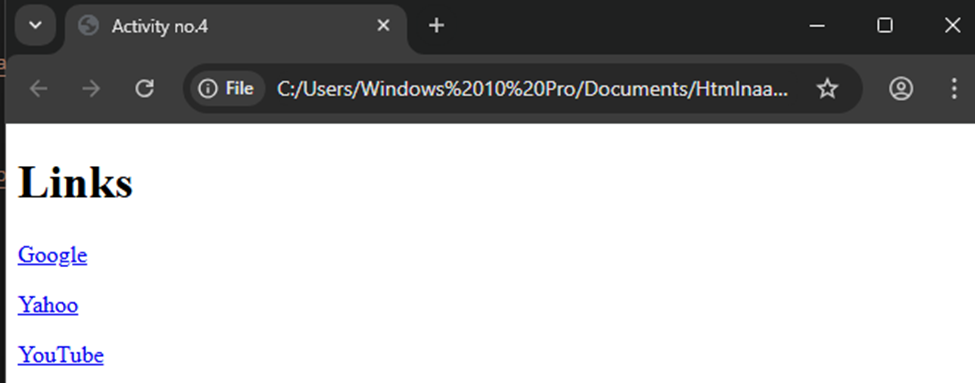
<!DOCTYPE html>
<html lang=”en”>
<head>
<meta charset=”UTF-8″>
<meta name=”viewport” content=”width=device-width, initial-scale=1.0″>
<title>Activity no.4</title>
</head>
<body>
<h1>Links</h1>
<p>
<a href=”https://www.google.com” target=”_blank”>Google</a>
</p>
<p>
<a href=”https://www.yahoo.com” target=”_blank”>Yahoo</a>
</p>
<p>
<a href=”https://www.youtube.com” target=”_blank”>YouTube</a>
</p>
</body>
</html>
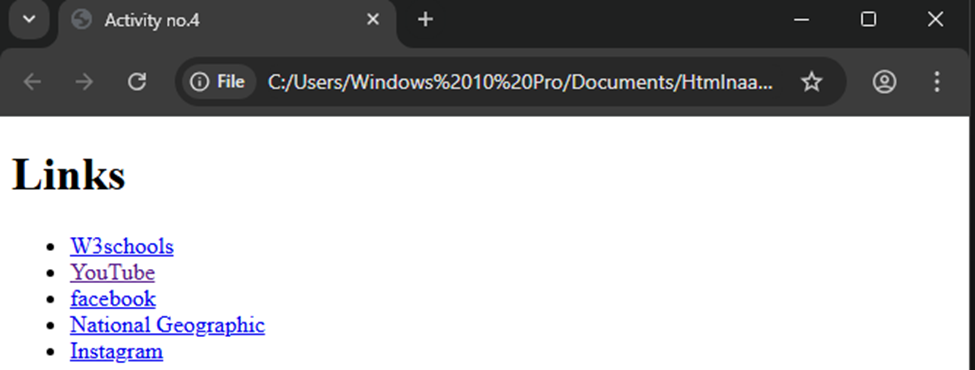
<!DOCTYPE html>
<html lang=”en”>
<head>
<meta charset=”UTF-8″>
<meta name=”viewport” content=”width=device-width, initial-scale=1.0″>
<title>Activity no.4</title>
</head>
<body>
<h1>Links</h1>
<ul>
<li>
<a href=”https://www.w3schools.com/” target=”_blank”>
W3schools
</a>
</li>
<li>
<a href=”https://www.youtube.com/” target=”_blank”>
YouTube
</a>
</li>
<li>
<a href=”https://www.facebook.com/” target=”_blank”>
</a>
</li>
<li>
<a href=”https://www.nationalgeographic.com” target=”_blank”>
National Geographic
</a>
</li>
<li>
<a href=”https://www.instagram.com/” target=”_blank”>
</a>
</li>
</ul>
</body>
</html>
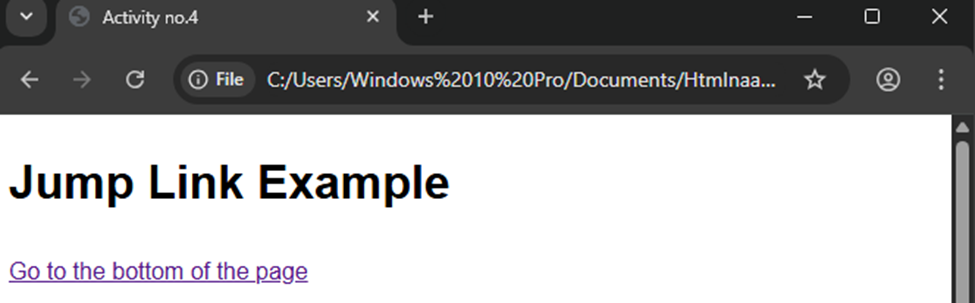

<!DOCTYPE html>
<html lang=”en”>
<head>
<meta charset=”UTF-8″>
<meta name=”viewport” content=”width=device-width, initial-scale=1.0″>
<title>Activity no.4</title>
<style>
body {
font-family: Arial, sans-serif;
line-height: 1.6;
}
.spacer {
height: 500px; /* creates space to scroll */
}
</style>
</head>
<body>
<h1>Jump Link Example</h1>
<!– Link at the top that jumps to the bottom –>
<p><a href=”#bottom”>Go to the bottom of the page</a></p>
<div class=”spacer”></div> <!– just to create scrolling space –>
<!– Bottom section –>
<h2 id=”bottom”>You have reached the bottom!</h2>
<p>Congratulations, you clicked the link at the top!</p>
</body>
</html>
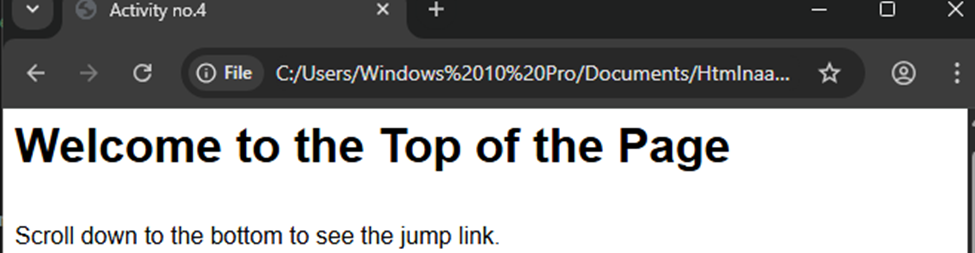

<!DOCTYPE html>
<html lang=”en”>
<head>
<meta charset=”UTF-8″>
<meta name=”viewport” content=”width=device-width, initial-scale=1.0″>
<title>Activity no.4</title>
<style>
body {
font-family: Arial, sans-serif;
line-height: 1.6;
}
.spacer {
height: 500px; /* creates space to scroll */
}
</style>
</head>
<body>
<!– Top of the page –>
<h1 id=”top”>Welcome to the Top of the Page</h1>
<p>Scroll down to the bottom to see the jump link.</p>
<div class=”spacer”></div> <!– just to create scrolling space –>
<!– Bottom of the page –>
<h2>Bottom of the Page</h2>
<p>
<a href=”#top”>Back to the top</a>
</p>
</body>
</html>
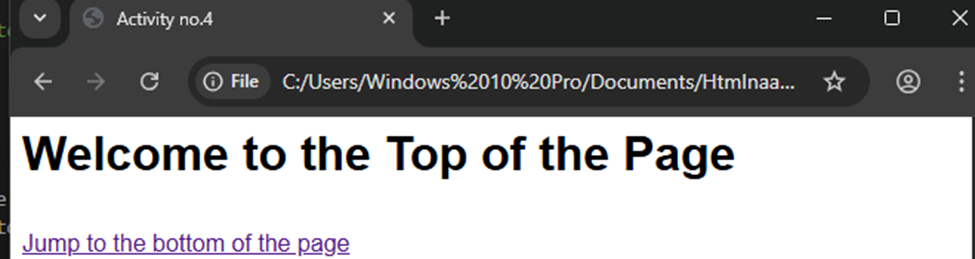

<!DOCTYPE html>
<html lang=”en”>
<head>
<meta charset=”UTF-8″>
<meta name=”viewport” content=”width=device-width, initial-scale=1.0″>
<title>Activity no.4</title>
<style>
body {
font-family: Arial, sans-serif;
line-height: 1.6;
}
.spacer {
height: 500px; /* creates space to scroll */
}
</style>
</head>
<body>
<!– Top of the page –>
<h1 id=”top”>Welcome to the Top of the Page</h1>
<p><a href=”#bottom”>Jump to the bottom of the page</a></p>
<div class=”spacer”></div> <!– space to scroll –>
<!– Bottom of the page –>
<h2 id=”bottom”>You Have Reached the Bottom!</h2>
<p><a href=”#top”>Back to the top of the page</a></p>
</body>
</html>